Spot Trading Guide
The simplest way to buy and sell cryptocurrencies at real-time market prices. In this guide, you'll learn everything you need to start a successful trade.
1. Understanding the Interface
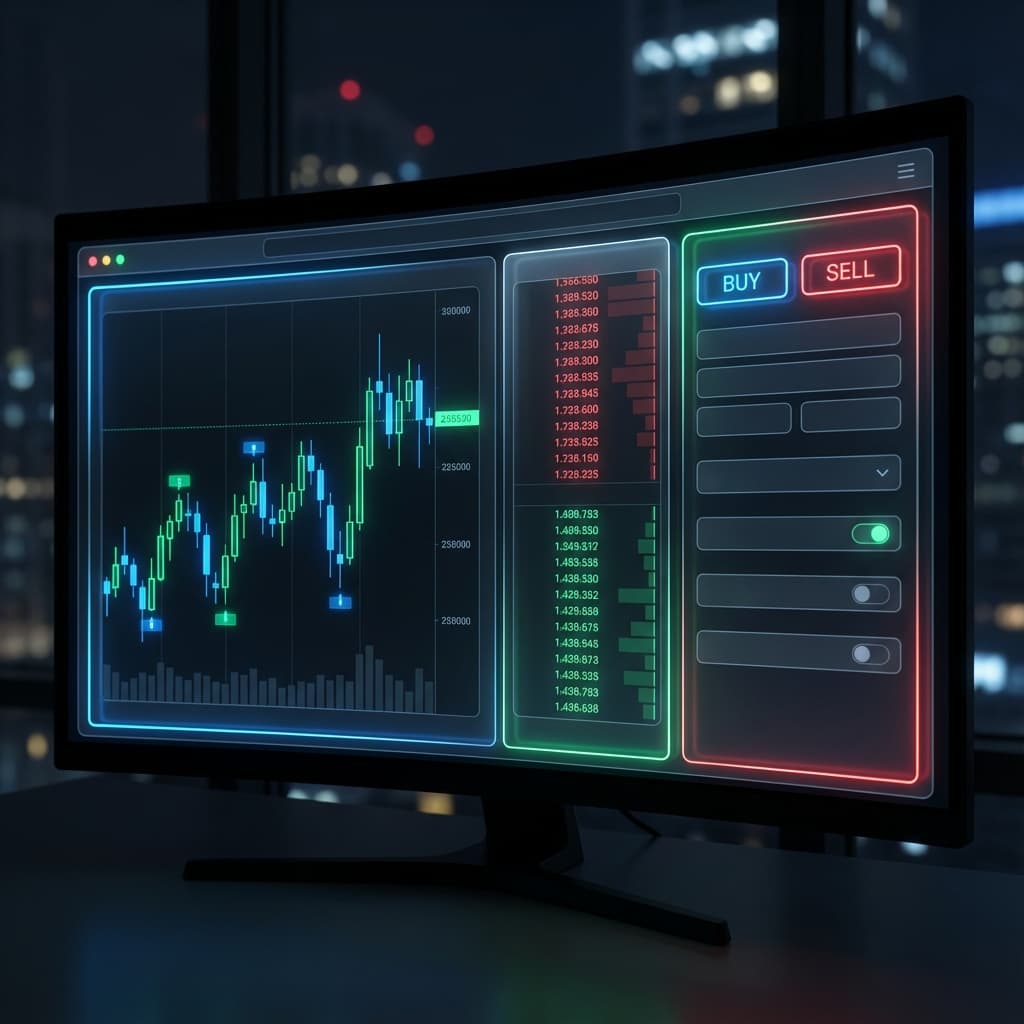
The Spot trading interface consists of three main components:
- Chart:Visualizes price changes across different timeframes.
- Order Book:Live list of buy and sell prices offered by market participants.
- Order Form:Where you specify your order type, price, and amount.
2. Choosing Your Order Type
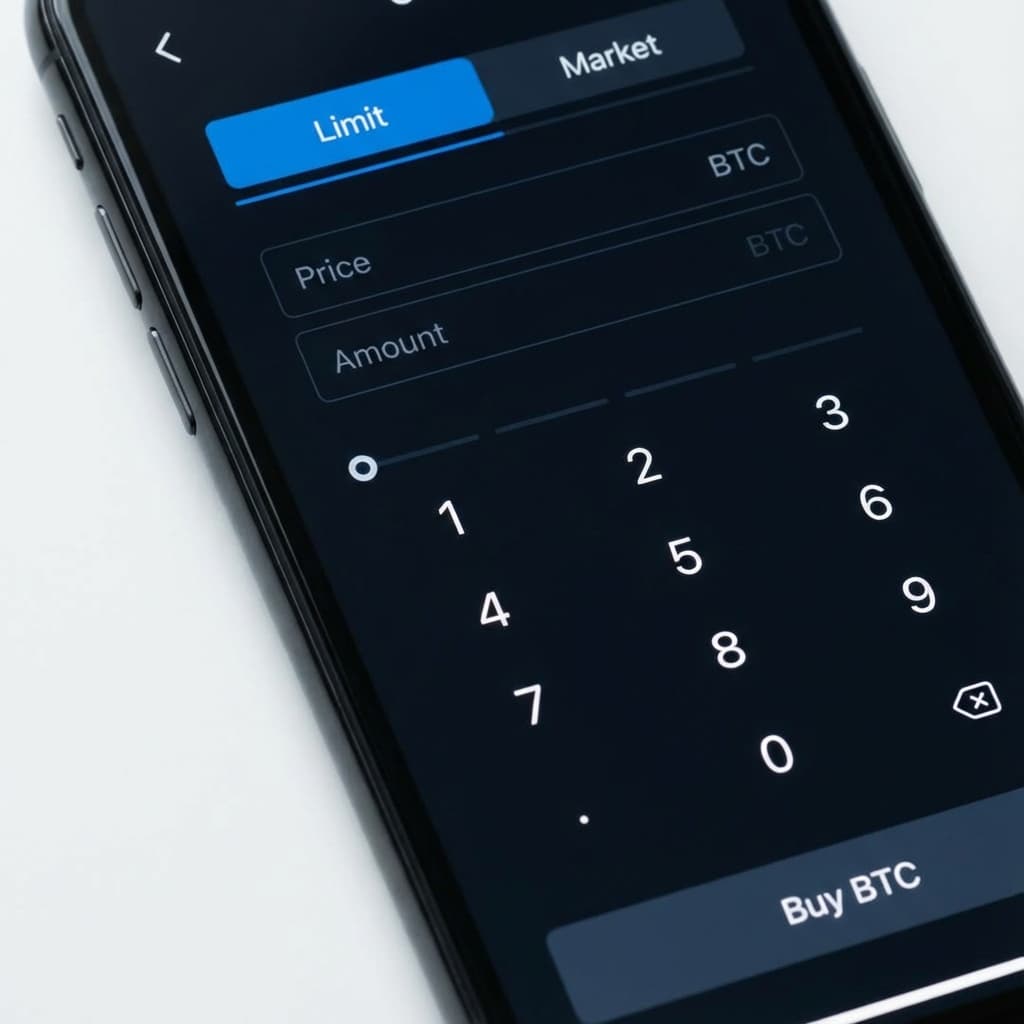
There are two primary ways to execute your trade:
Limit Order
Specify the exact price you want to buy or sell at. The trade only executes when the market matches your price.
Market Order
Executes immediately at the best available current market price. This is the fastest way to trade.
Step-by-Step Guide
How to place your first trade
Select Direction
Click either the Buy or Sell button to choose your trade direction.
Enter Amount
Input the amount you wish to trade or use the percentage slider to use a portion of your balance.
Confirm Order
Review your price and total, then click the execute button to submit your order to the market.
4. Tracking Your Activity
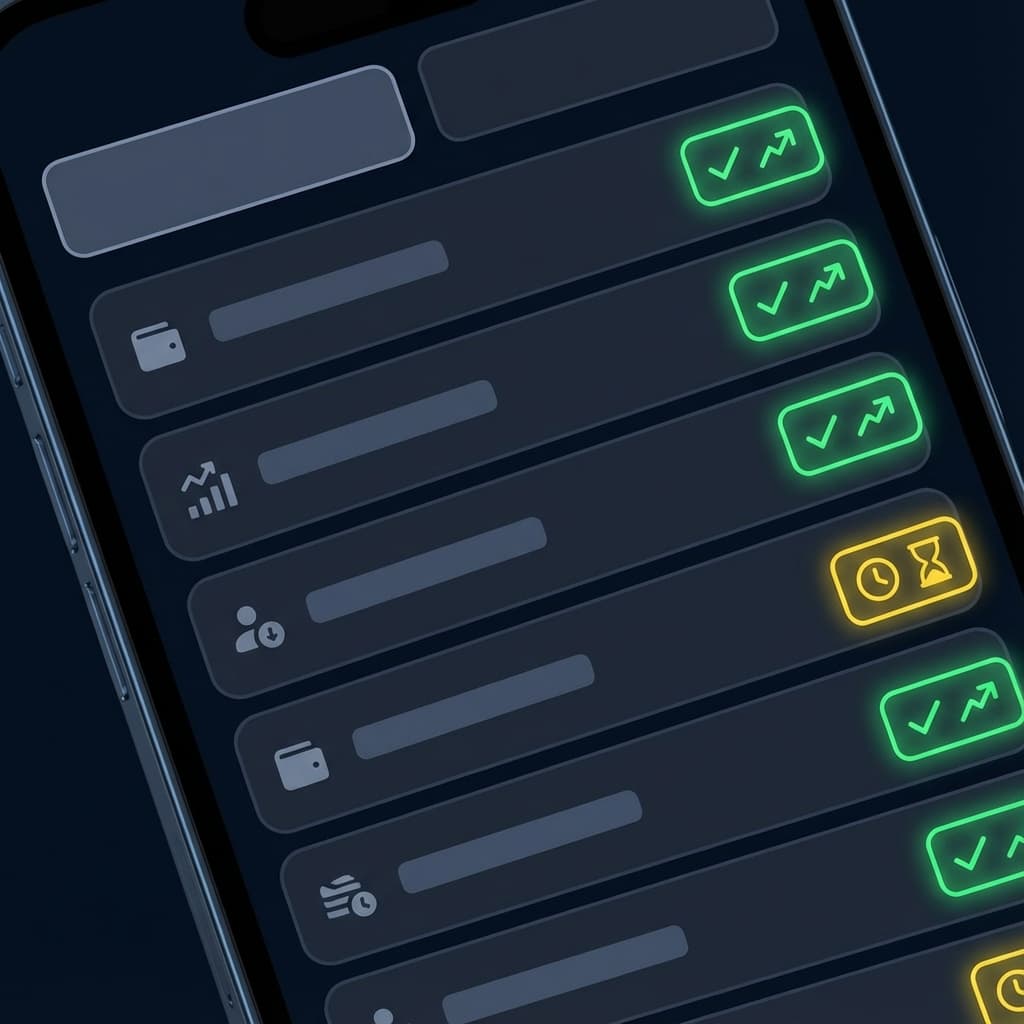
Monitor your active and past trades at the bottom of the trading panel:
Ready to start?
Enter the trading panel now and take your first step.